Get started
Six short steps from installing YapYap to using it every day. Each links to the full guide when you want the details.
1. Install YapYap
Download YapYap for Linux, Windows or macOS from the download page. On Linux, the package repositories keep it up to date with the rest of your system.
2. Link your phone
Open YapYap. It shows WhatsApp's QR code, as WhatsApp Web does. On your phone, open WhatsApp → Linked devices → Link a device and scan it. Your chats appear in a few seconds; your phone does not need to stay online.
The first time, a short welcome asks for a few choices, such as the theme and whether closing the window keeps YapYap in the tray. You can change all of them later in Settings.

3. Add a second account
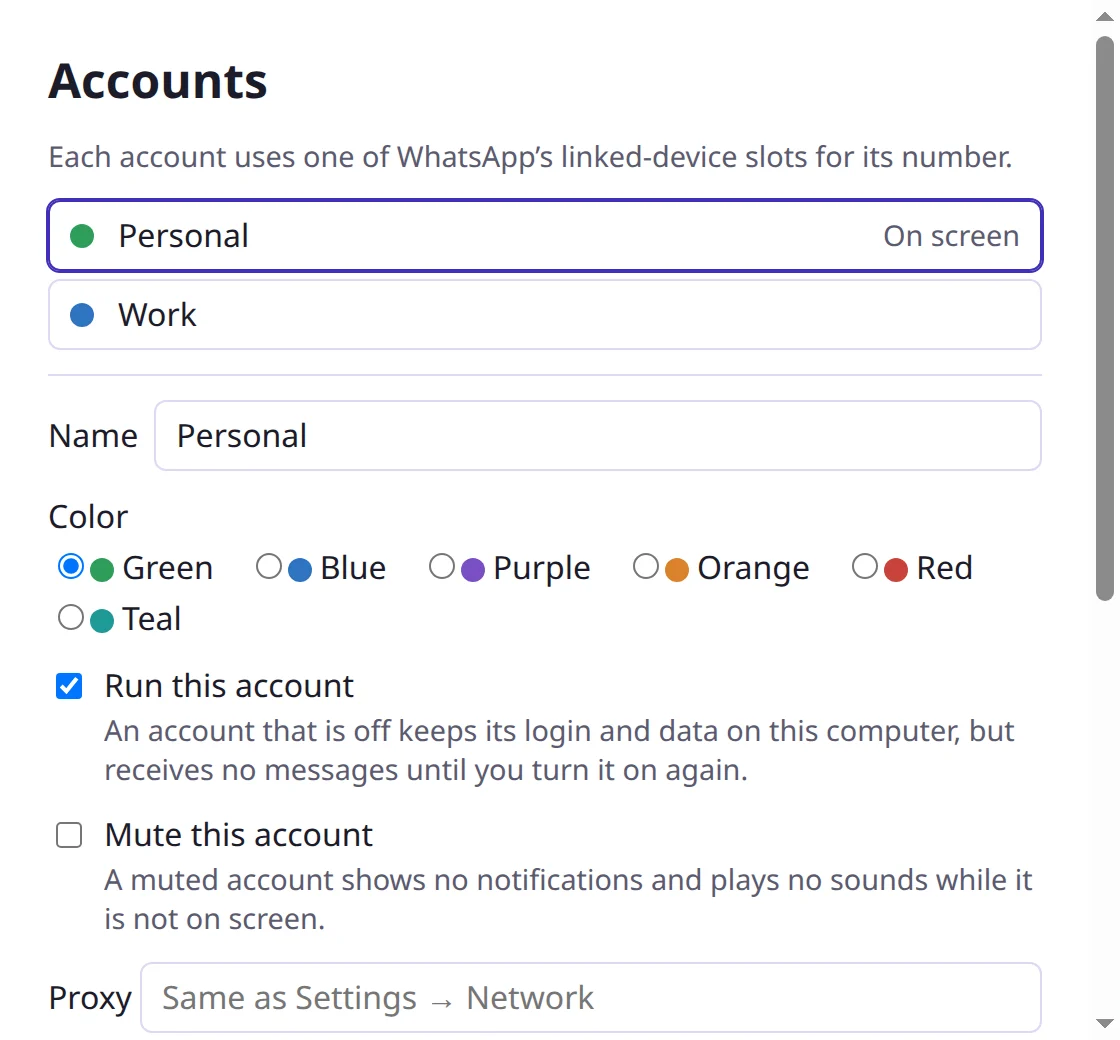
Choose Account → Add Account and link the other phone the same way. With two accounts or more, a sidebar lists them with their unread chats; click one to switch. Account → Manage Accounts… renames them and gives each a color. More about accounts.
4. Notifications and the tray
New messages show as your system's notifications, from every account. Clicking one opens the chat. The tray icon shows that something is unread; its menu has Do Not Disturb, and Settings → General can keep YapYap running in the tray when you close the window. More about notifications.
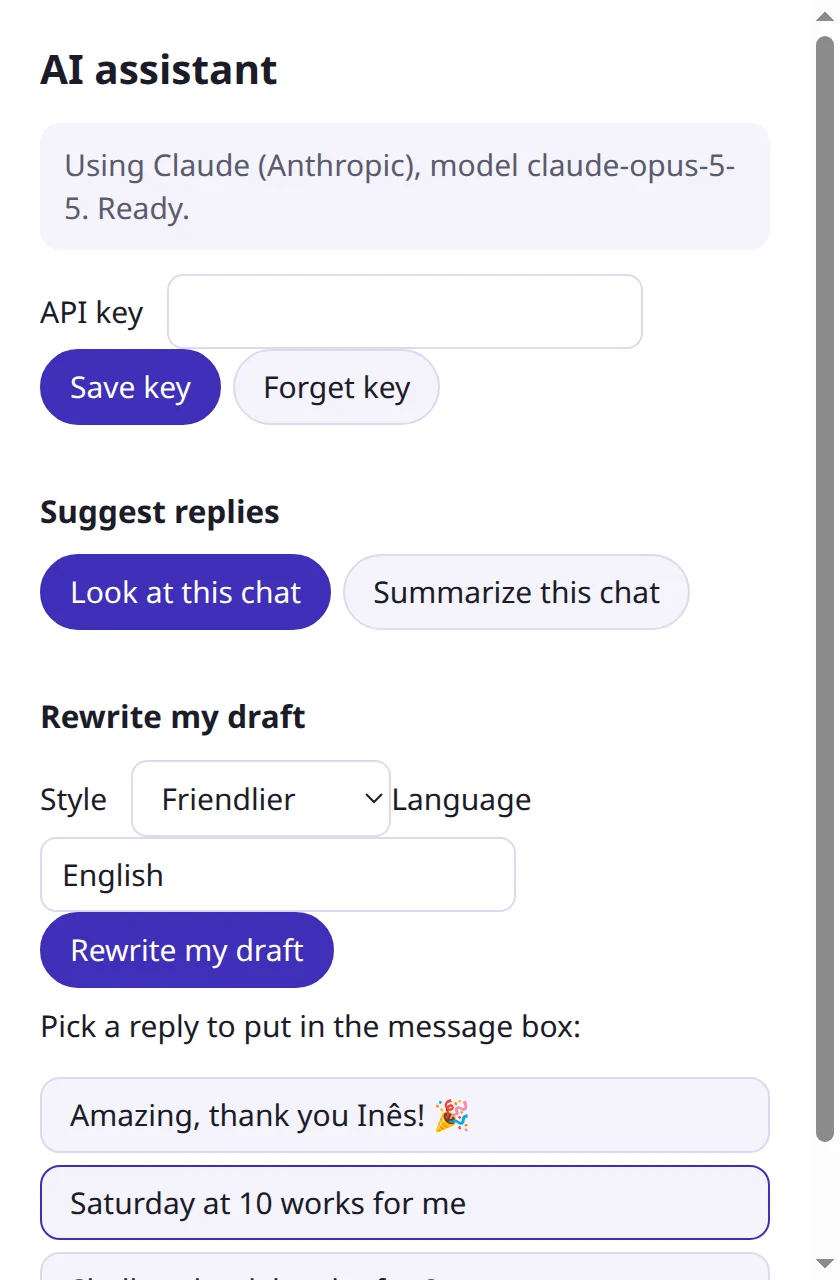
5. Write with the AI assistant
The AI assistant suggests replies and writes messages for you to check and send. It works with your own key for Claude or OpenAI, or with a model that runs on your computer, so nothing leaves it. Set up the assistant.
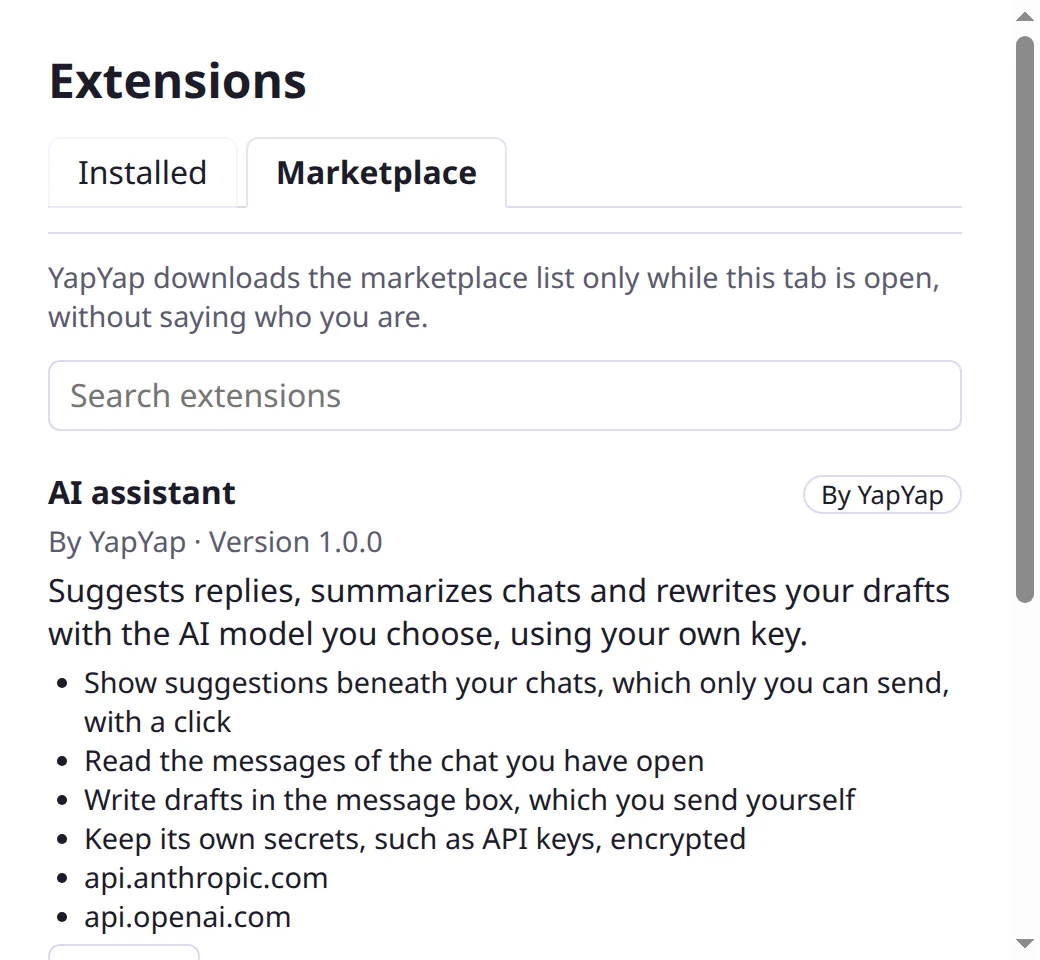
6. Add extensions
Extensions add features to YapYap. Open File → Extensions… (on macOS, YapYap → Extensions…), pick one in the Marketplace tab, and choose Install. YapYap shows what it asks to do, and installs nothing until you agree. You can take any permission back later. Browse the marketplace.